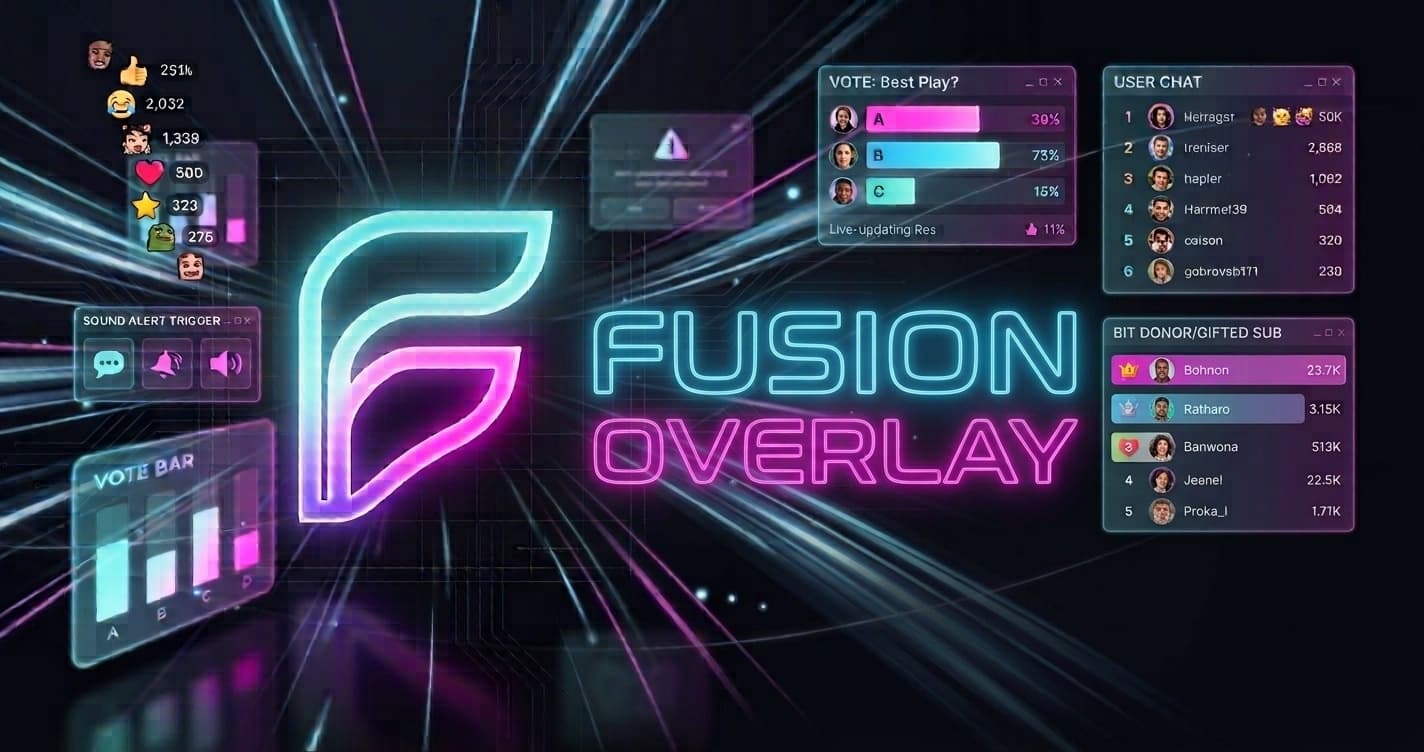
Transform your streams withFusionOverlay
and widgets to captivate your audience: fortune wheel, games, real-time alerts and more.
Keep your community active during and between streams? Discover
A library of 150+ widgetsfor all types of streams
From gaming to live shopping, create the perfect experience for your audience.Open and adaptable system: let's discuss your specific needs.Join a community of creators to share resources and inspiration.
Your community stays active — on air and off.
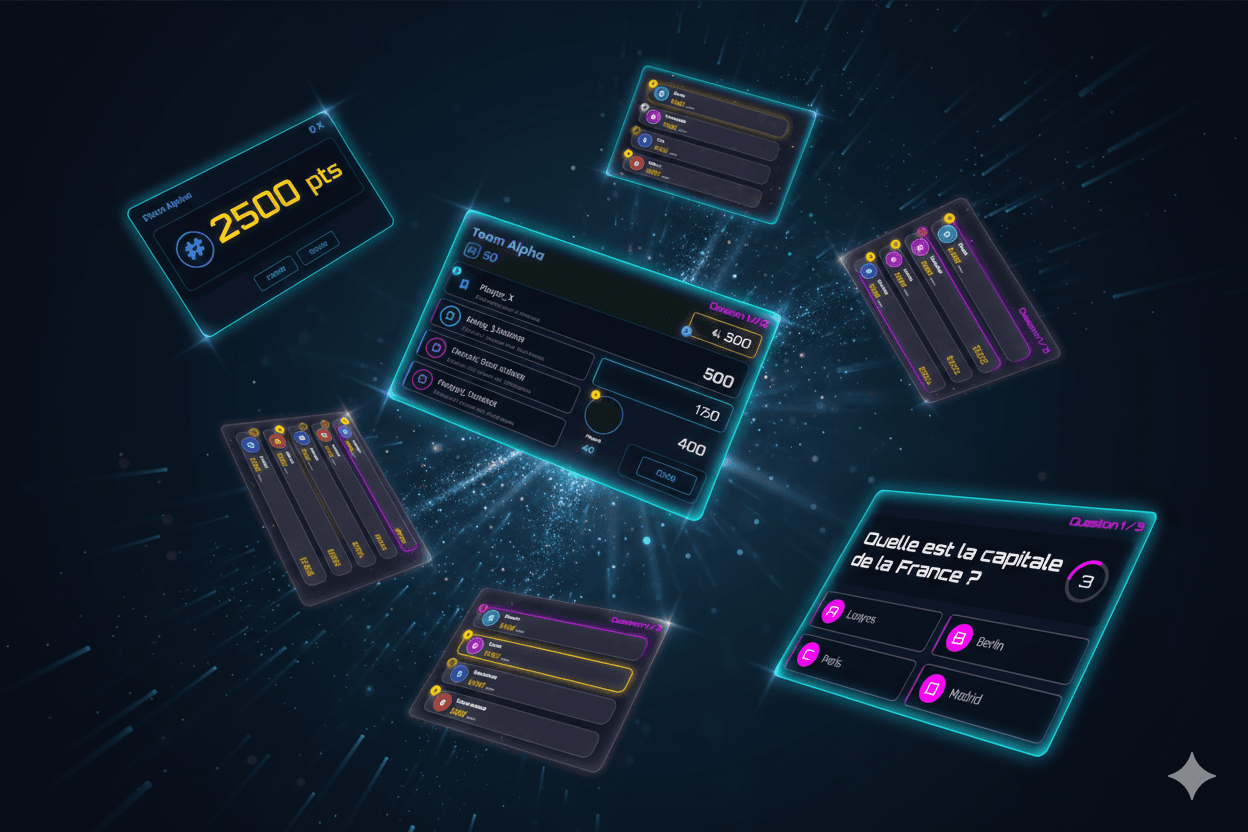
Challenges & Competitions
Interactive quizzes, blind tests, real-time scoring and leaderboards. Create epic battles with your community.
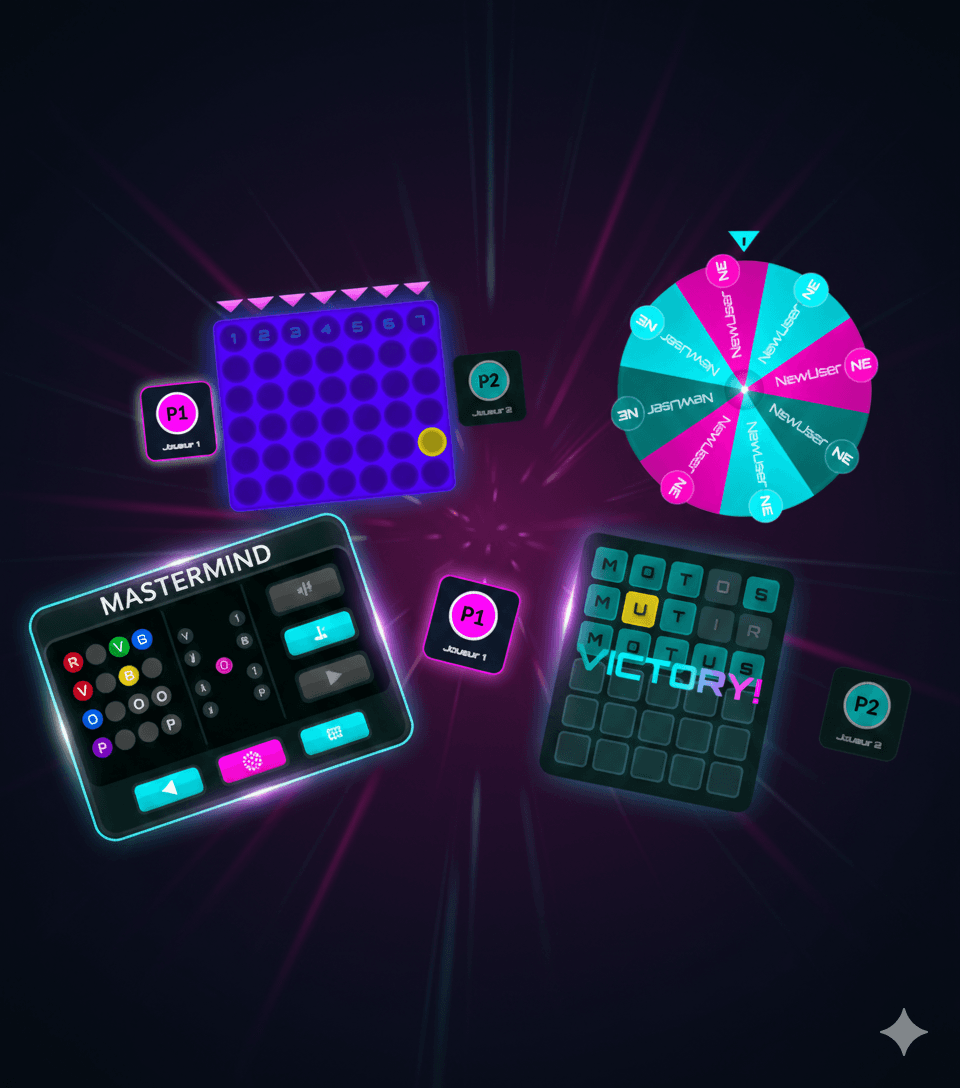
Interactive Games
Motus, word games, Mindstorm... Create memorable moments with your community.
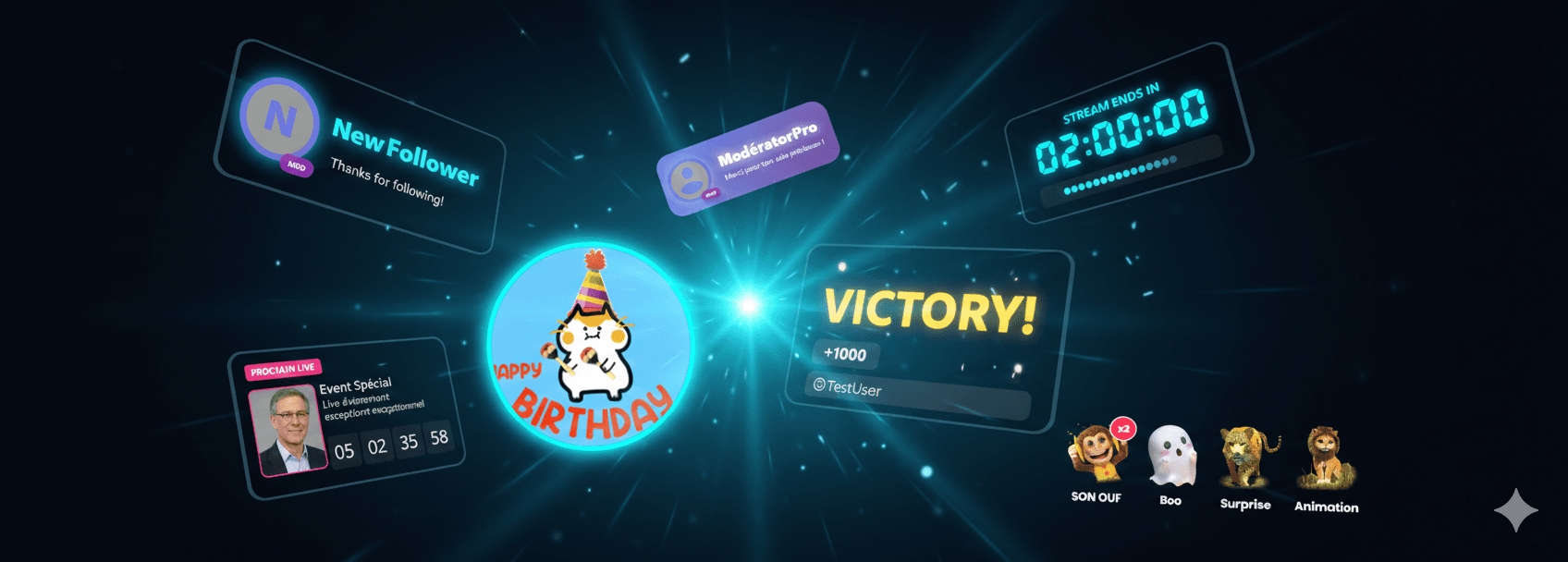
Live Alerts
Display Twitch, Kick and TikTok donations, likes, follows and comments instantly on your stream.
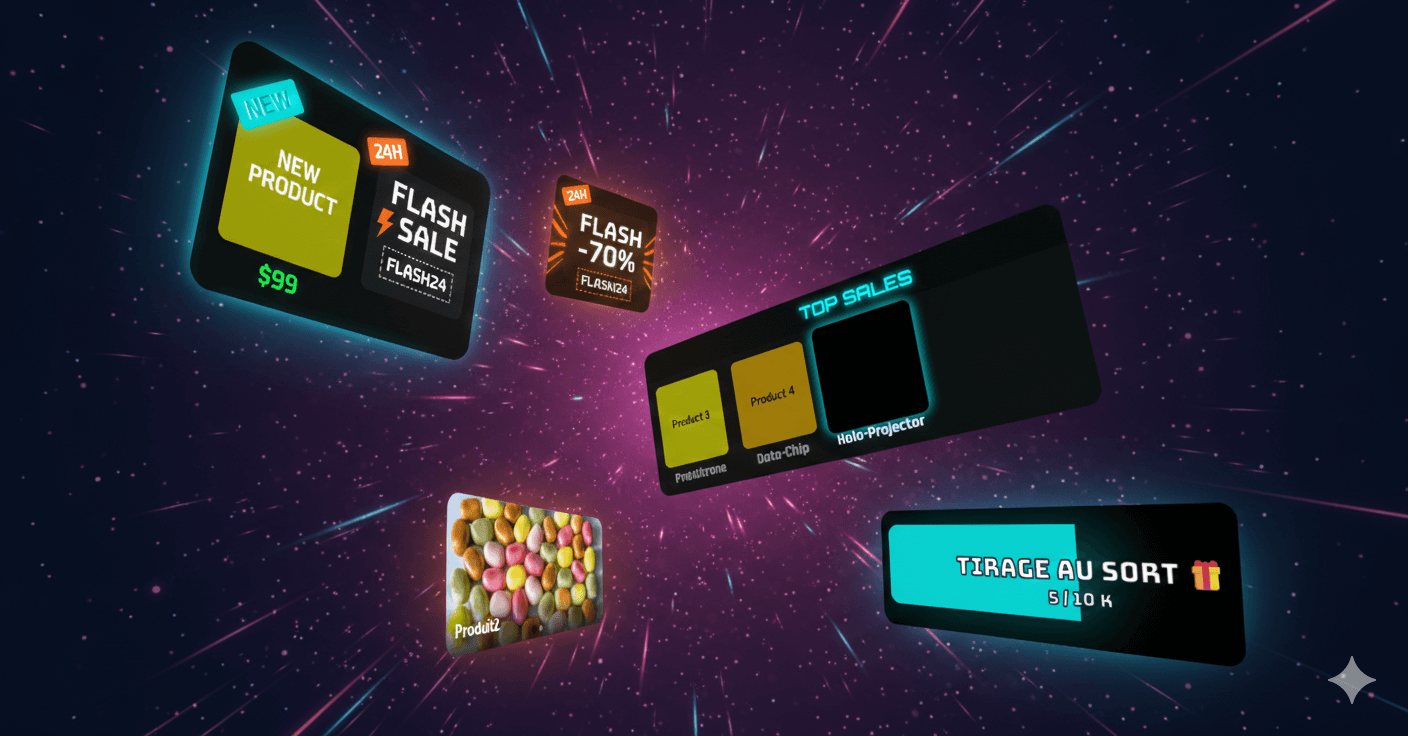
Shopping Widgets
Showcase your products in style. Perfect for live shopping and brand promotion.
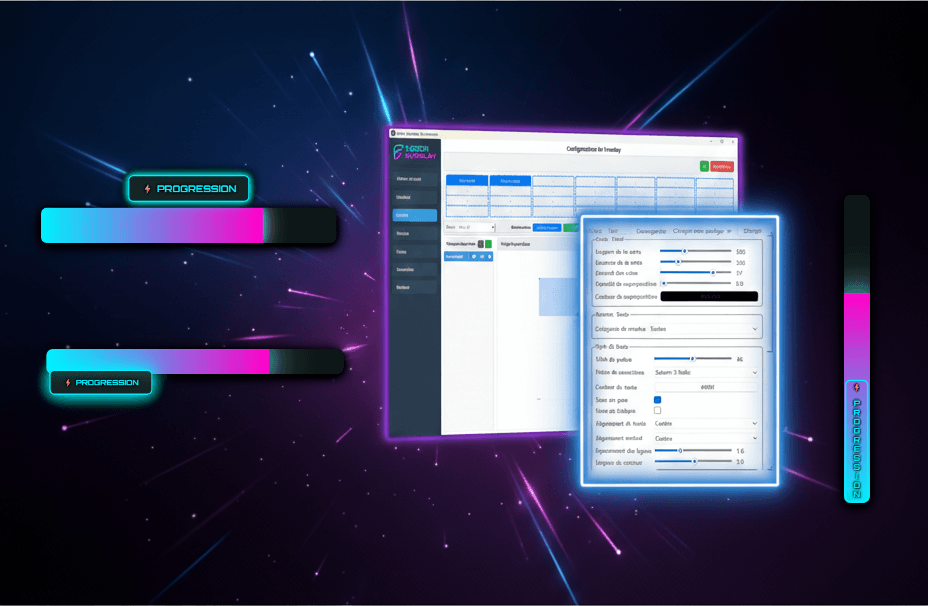
Custom Styles
Create unique styles for each widget. Colors, animations, fonts... everything is customizable.
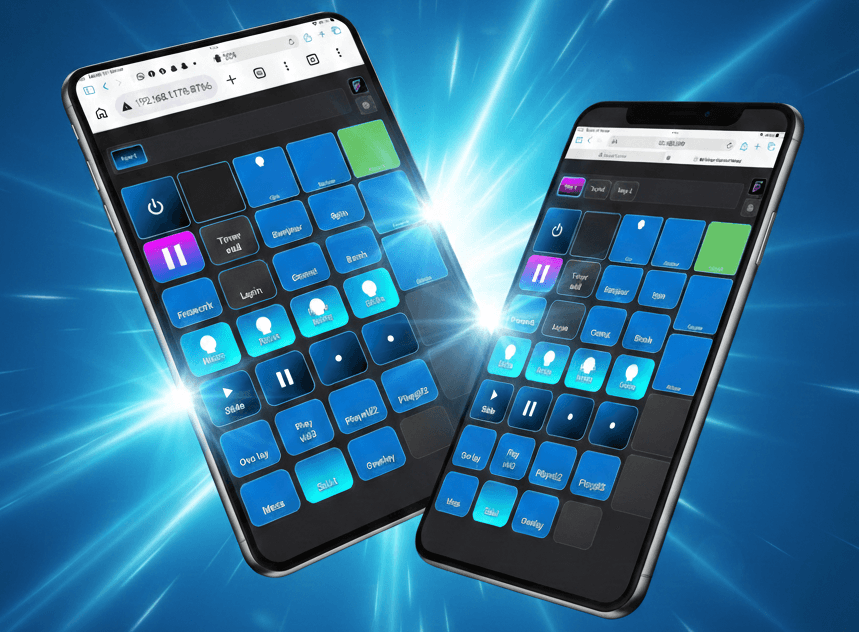
LivePanel
Live control web app. Manage all your widgets from your phone, tablet or PC — no install required.
FusionLive
The stream ends. Your presence never does.
Your viewers interact with your live from their phone via your personal page fusionlive.fr/your-name. And between streams, that same portal stays alive: countdown, schedule, showcase, shop. One link. Two modes.
Poll in progress
Which map?
Which map?
312 votesOBS Integrationin 3 clicks
No need to be a technical expert. Copy the URL, add a Browser Source in OBS, and you're ready!
Create your overlay
Choose and customize your widgets from the control panel
Copy your overlay URL
The app runs locally on your machine. The URL uses your local IP address or 127.0.0.1 with port 8080 by default.
Add in OBS
Browser Source → Paste the URL → Enjoy the result!
Subscriptionplan
14-day free trial · No commitment · No credit card
Loading plans...
Ready to revolutionizeyour streams?
Try FusionOverlay free for 14 days. No commitment, no credit card.